Payouts
Kodo calculates each creator's commission from the sales tracked through their referral link and discount code, so payouts stay accurate and transparent.
Paying creators
For business with Team plan or above, monthly automatic payout feature is auto enabled(which starts 1st of every month). You need to connect bank account in order to enable this feature.
WARNING
Automatic payout feature is currently disabled!
Manual Payout
- Go to Commission Tab on the enterprise dashboard
- Press payout commission button
- Based on the calculated commission, pay each influencer with your own method
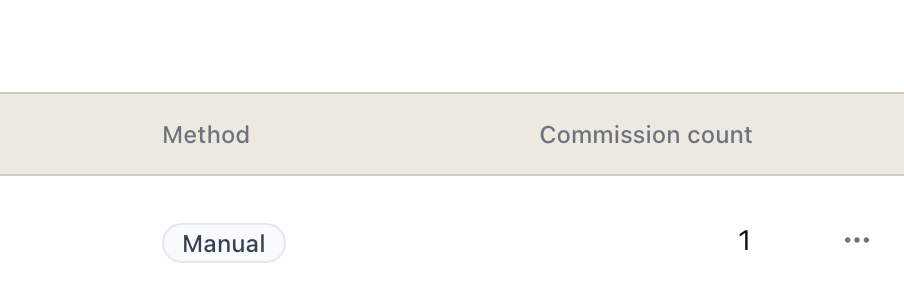
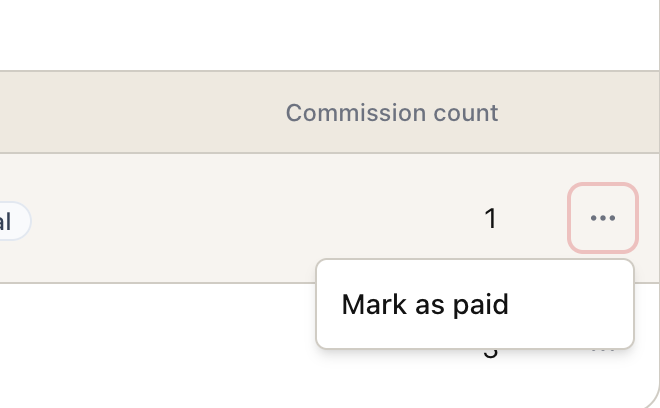
- After paying, press three dots and click "Mark as paid"
 5. Add an additional note if needed
How commission is calculated
Commission is based on the revenue attributed to a creator's code multiplied by the rate you set in their partnership.
Manual payouts are logged so you always have a record of what was paid and when.